A finished video
Retakes, ums and long pauses gone. Tight, clean and ready to publish.
Upload your raw recording. Studio cuts the ums, retakes and long pauses, adds captions, and hands back a finished video plus short clips for social.
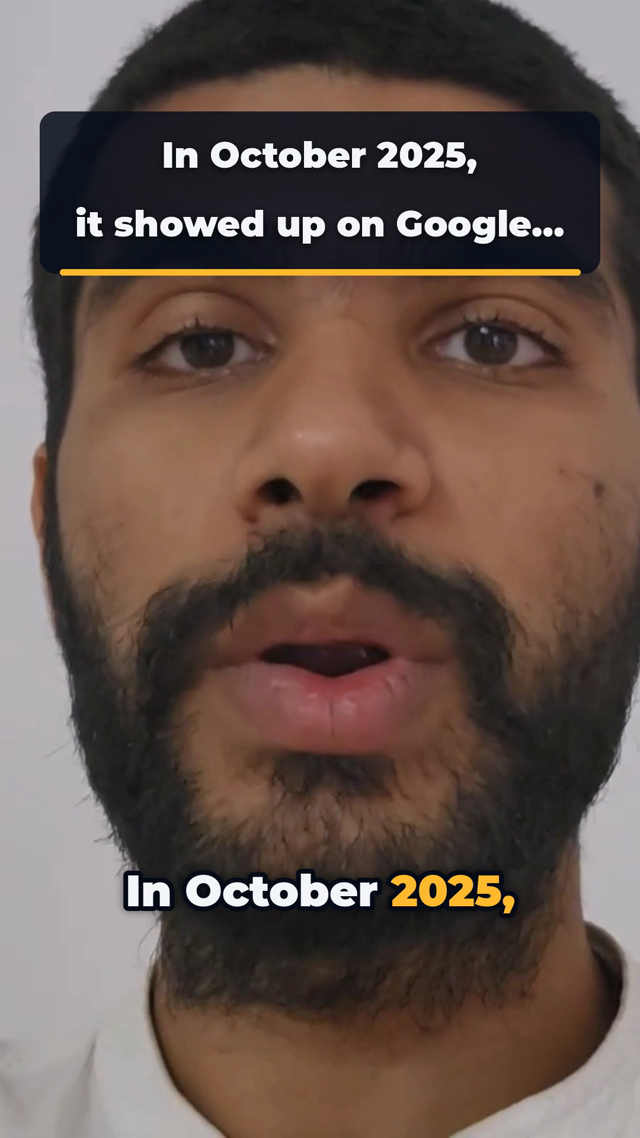
So, um, in October 2025, it sorry, let me say that again. In October 2025, it showed up on Google [4 s pause] for the first time.
Every cut comes with a reason you can read, and you can ask for any of it back.
Then come the retakes, the ums, the long pauses, the captions and the clips for social. Most people learn a complicated editor, pay someone, or never post the video at all.
Studio does that part for you.
Retakes, ums and long pauses gone. Tight, clean and ready to publish.
Timed to your voice. Your brand color on highlighted words and cards.
Vertical clips from your best moments, ready for Reels, Shorts and TikTok.
Type what you want different and get a new version. No extra charge.
Okay, is it recording? [4 s] So the, um, the biggest mistake founders make, sorry, let me start that again. [6 s] The biggest mistake founders make is waiting three months to post their first episode. Um, yeah.
The biggest mistake founders make is waiting three months to post their first episode.
You do the talking. Studio does the cutting, the captions and the clips. You stay in charge of the final say.
See every step in detailDrop it in, retakes and all. Add a logo, a color or an example video if you want a certain look.
Close the tab if you like. Or watch each step and the time left, worked out from real past edits.
Ask for changes in plain words. Download the video and its clips when you are happy.
Pick one to see what Studio does with it. Your pick carries into the setup.
About a minute. No account until you choose a recording.
Open any edit and read what was cut, where, and why. Disagree? Ask for it back.
On-screen cards only show numbers and phrases from your own recording. Anything else is dropped before it is drawn.
A stopped or failed edit costs nothing. Changes and clips from a paid video cost nothing.
No. Send it raw. Finding the retakes and pauses is Studio's job.
One minute of the recording you upload. Changes and clips made from it cost nothing more.
It depends on the length. The video page shows each step and the time left, worked out from real past edits. You can close the tab while it works.
Tell it what to change in the video's chat. Each change is a new version, and the earlier one is kept.
Only you. It is used to make your edit and kept for as long as your plan says, from 7 days to a year. Download what you want to keep.
Yes. The free tools trim a clip, convert captions or clean up audio without an account.